Orbit
Documentation · Orbit for Windows
All your creative tools, in one app
Download, convert, enhance and create: video, audio, image and 3D, with AI tools that run on your own computer.
Windows 10 and 11
17 tools
Local AI (GPU)
English, Français, Español, Deutsch, Italiano, Português
What Orbit does
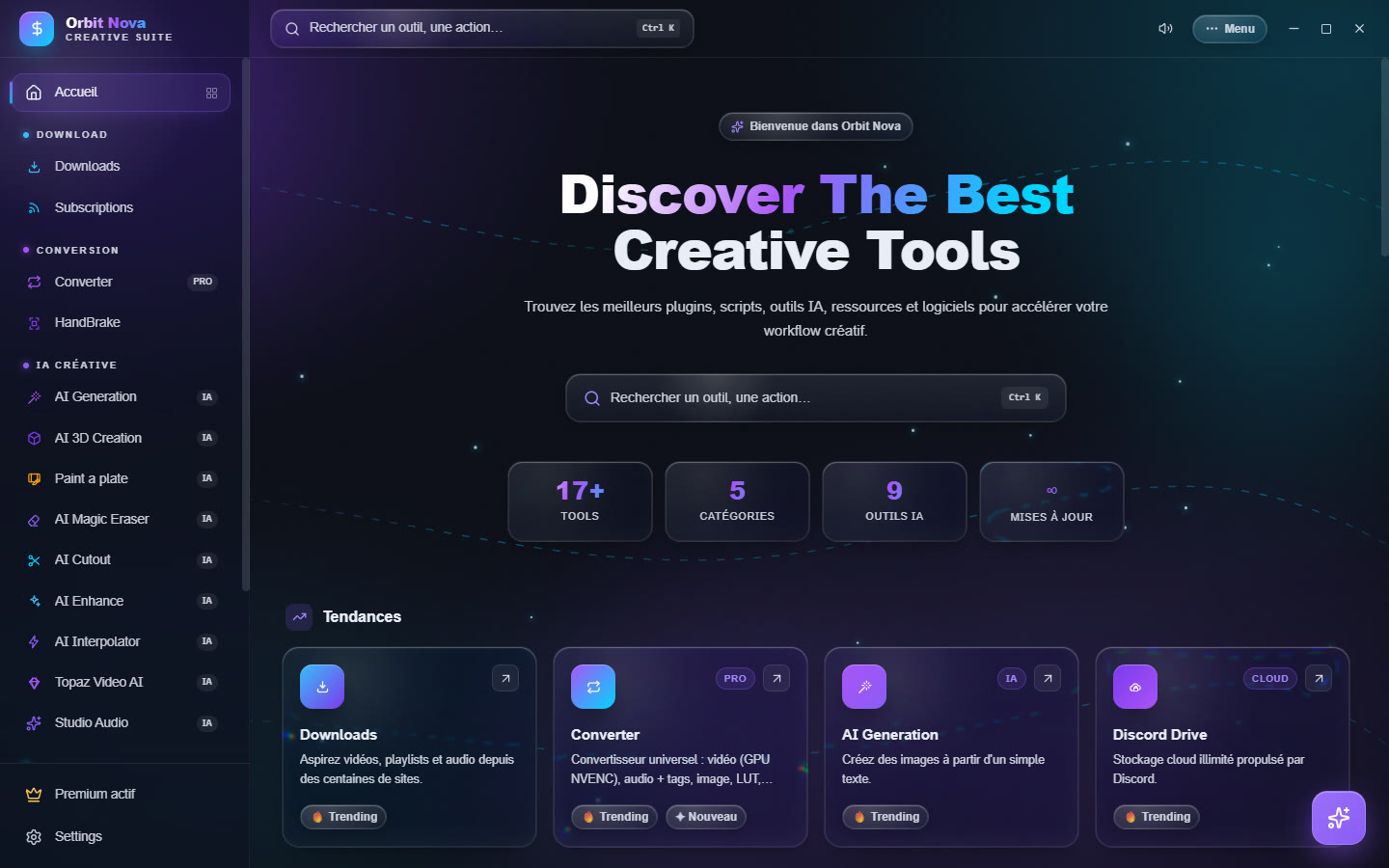
Orbit brings into one window tools you would usually find in a dozen programs:
- download videos, playlists and music from hundreds of sites (YouTube, TikTok, Twitch, Spotify, Deezer, file hosts…) and follow your favourite channels;
- convert almost any file: video (accelerated by NVIDIA graphics cards), audio, image, LUT, fonts, 3D models, documents, After Effects presets;
- enhance and create with AI: generate images, erase or replace an object, remove a background, upscale a video, make it smoother, turn an image into a 3D model, retouch a video shot;
- work on sound: split vocals from music, denoise, normalize, transcribe and subtitle;
- organize and share: media library, a toolbox of more than 60 small tools, encrypted cloud storage.
Most AI tools run on your computer: your files never leave your machine, and once the models are downloaded, they work offline.

Contents
InstallationInstall Orbit, first launch, updates.
The interfaceHome, search, menu, AI assistant.
DownloadsVideos, music, playlists, subscriptions.
ConversionUniversal converter and HandBrake.
AI for imagesGeneration, magic eraser, cutout, enhance.
AI for video and 3DInterpolation, Topaz, Paint a plate, 3D creation.
Audio and transcriptionAudio Studio, automatic subtitles.
Toolbox and media libraryMore than 60 quick tools, your media.
Discord DriveEncrypted storage and sharing by code.
SettingsEvery settings page, graphics card.
Orbit PremiumWhat is included and how to activate it.
TroubleshootingCommon problems and their fixes.
What you need
| Minimum | For the AI tools | |
|---|---|---|
| System | Windows 10 or 11, 64-bit | Windows 10 or 11, 64-bit |
| Memory | 8 GB | 16 GB or more |
| Graphics card | Any recent card | NVIDIA RTX, 8 GB of video memory or more (16 GB for 3D and Paint a plate) |
| Disk | 1 GB for the app | From a few GB to more than 60 GB depending on the AI models installed |
| Internet | To download, and for the first install of the models | — |
Download, conversion and toolbox features work on any PC. The AI tools use the graphics card when there is one; some (AI 3D Creation, Paint a plate, local AI Generation) need an NVIDIA card.